




Spinogambino App
The Spinogambino app is the official mobile version of the casino, designed for use on smartphones and tablets with access to the same account and game lobby as the desktop site.
In practical terms, the Spinogambino app provides a mobile casino interface that adapts the platform to touch controls and smaller screens while keeping core functions unchanged. Users can browse online slots, table games, and live dealer categories through a simplified lobby, and switch between sections without losing session progress. The cashier remains available on mobile for deposits and withdrawals, and account settings include the standard verification process required for full access. Support is integrated into the app environment, with live chat and the Support Team accessible during play, so assistance can be requested without leaving the gaming session.



Key Features of the Spinogambino Mobile Casino
Our Spinogambino mobile casino is designed for direct play on handheld devices, so sessions start from the mobile browser without a separate store download. After signing in on Android or iOS, users enter an app-style lobby that keeps loading light and makes it easy to jump back into play when reopening the site.
Key mobile features that shape everyday use include:
- A browser-based launch that works immediately on Android or iOS, with an optional home-screen shortcut for one-tap entry
- Game tiles that show essential details before opening a title, helping users choose online slots faster
- Quick filters and provider sorting placed at the top of the lobby, so switching categories takes fewer steps
- “Recently played” and favourites sections that keep preferred games close without re-searching
- Smooth auto-adjustment between portrait and landscape for comfortable play in different positions
These elements make mobile play feel streamlined in practice: the route from lobby to game to results is shorter, and the interface is built around fast repeat actions rather than long browsing. Because the mobile setup follows the same platform logic as desktop, users can move between devices without losing track of what they played last or which games they saved, while still getting the full Spinogambino gaming experience in a portable format.
Desktop vs Mobile Access at Spino Gambino
Mobile play at Spinogambino is geared toward fast, on-the-go sessions with touch navigation, while the desktop version suits longer play with more screen space and multi-game browsing. The differences come down to how the lobby is presented, how controls feel in real use, and how comfortably each device handles live streams and extended sessions.
| Feature | Spinogambino Mobile | Spino Gambino Desktop |
| Typical use case | Built for play while travelling or during short sessions | Built for longer sessions from a fixed setup |
| Control style | Touch-first gameplay with taps and swipe navigation | Mouse/keyboard control with precise point-and-click input |
| Lobby presentation | Vertical, scroll-based lobby focused on quick selection | Wider lobby view that shows more categories at once |
| Session restart | Faster return to last-played titles after reopening on phone | Comfortable reshuffling between multiple games during extended play |
| Live Casino viewing | Stream and controls arranged for handheld viewing | Larger live tables and streams visible in full-size layout |
| Switching between games | Optimised for single-game flow and rapid category changes | Suits multi-tab browsing and side-by-side comparison of titles |
Spino Gambino Mobile Application for Android
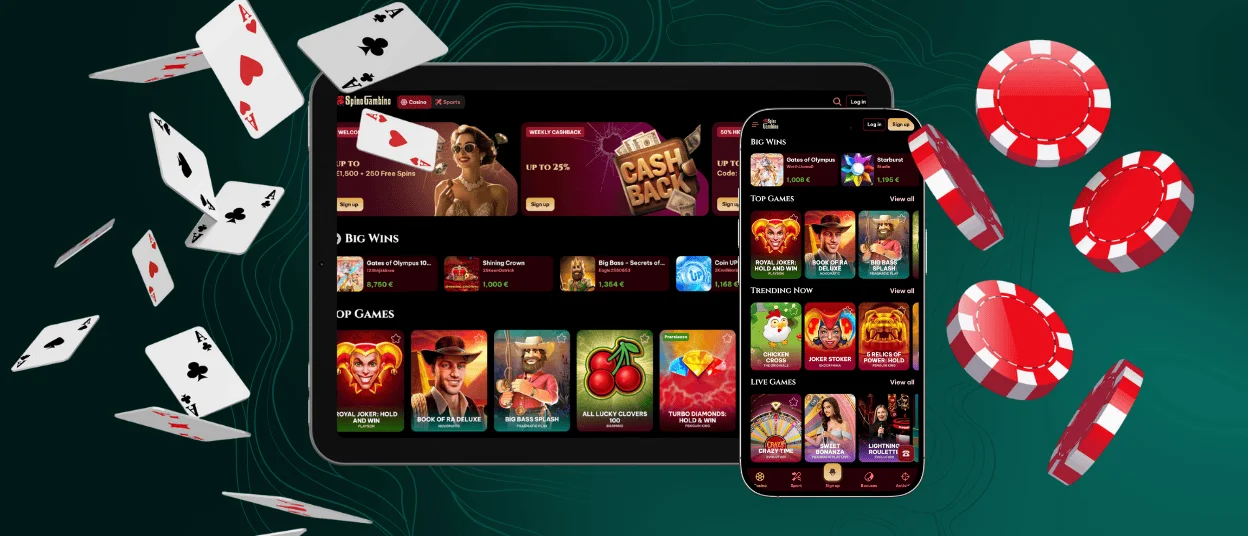
The Spinogambino app for Android is provided as a progressive web app (PWA), so there is no native store download. Instead, the casino opens in your mobile browser and can be added to the home screen for app-style access in a standalone view.
To install the Spino-gambino PWA on Android, follow these steps in Chrome or your default browser:
- Open our casino on your Android device and scroll to the bottom of the main page.
- Tap the “Casino App” option to trigger the installation prompt.
- Select Install App / Add to Home screen when your browser shows the banner.
- Confirm the action, then start the Spinogambino app from the new icon on your home screen.
After launch, sign in with your existing Spinogambino casino account to continue with the same wallet, game history, and active bonuses. The PWA opens directly into the mobile lobby, where you can load online slots or Live Casino tables in the same order and categories used on desktop, then return to favourites or recently played titles without re-searching. If you enable browser notifications, you can receive updates about promotions and account events while the app is installed on your device.
Recommended security practices
For safe use of the Spino Gambino app on Android, we recommend a few simple habits that protect your sessions and account:
- Install the PWA only through the official “Casino App” installation prompt inside our site, not through third-party sources.
- Keep your Android browser and operating system updated to ensure current security patches are active.
- Use a strong, unique password for your casino profile and avoid saving it on shared devices.
- Log out after play if you are using a phone or tablet that others can access.
- Complete the verification process promptly when requested, so withdrawals and account limits remain fully available.
Spinogambino Casino Application on iOS
iPhone users can access Spinogambino casino in a dedicated mobile format through Safari, with no App Store software involved. The platform opens in a clean, full-screen view once a home-screen shortcut is added, giving app-like access from the device.
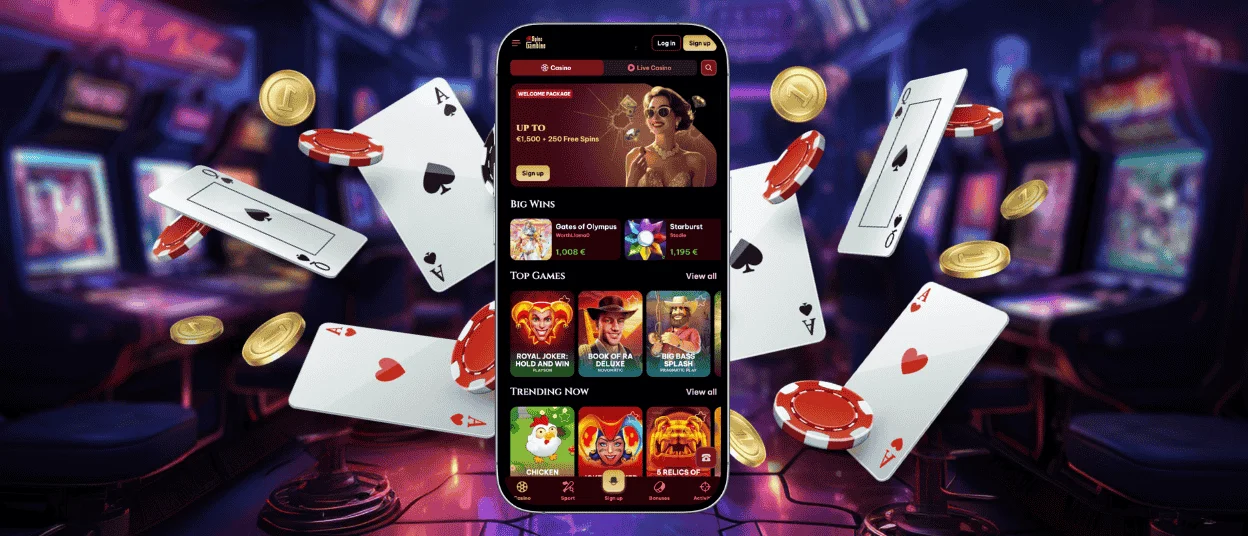
The iOS version uses Progressive Web App (PWA) technology: the casino runs in the browser, but the saved icon launches it like a standalone application. After adding the shortcut, you can open the Spinogambino app interface in one tap, browse online slots and Live Casino titles in the mobile lobby, and use the same in-session tools without installing any separate file.
How to install Spino Gambino on your iPhone:
- Open Safari on your iPhone and load the Spinogambino casino main page.
- Scroll to the footer and tap Casino App.
- Choose Add to Home Screen when the Safari prompt appears.
- Confirm the shortcut name — the icon will be placed on your home screen.
After installation, the shortcut opens the casino in a separate full-screen window from Safari, with navigation and account sections displayed in the standard mobile layout.
Playing on iPad
On iPad, Spinogambino casino uses the larger display to show more of the lobby at once, which makes browsing game categories and providers easier with fewer swipes. Game tiles and menus are spaced for accurate touch input, and the interface remains stable in both portrait and landscape orientations. The wider layout is particularly practical in Live Casino, where the video table and betting panel are clearly separated, so limits and chip controls stay readable during play. Live chat remains accessible from the playing view if you need to contact the Support Team without changing screens.
Installation on iPad follows the same steps as on iPhone: you open Safari, select Casino App in the footer, and add the shortcut to your home screen for app-style access.
Spinogambino Casino Application for Windows/macOS
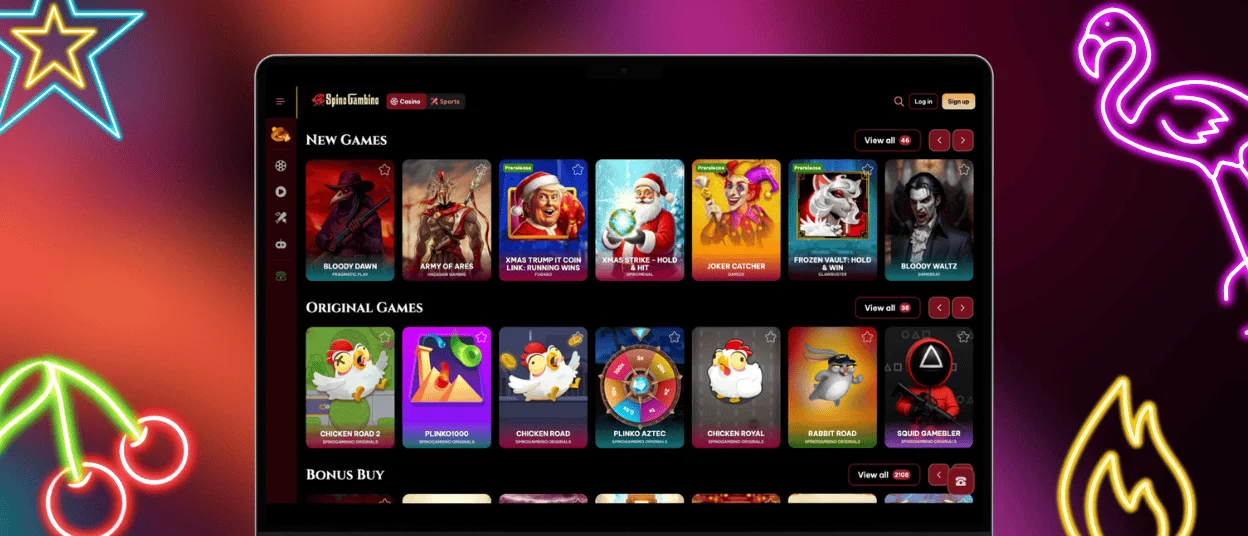
On Windows and macOS, we offer Spino Gambino casino through the desktop browser version, so you can enter the platform immediately without installing any separate program. The interface is arranged for computer use: the lobby shows broader game grids with more titles visible at once, filters and categories remain in a fixed, easy-to-reach position while you browse, and game pages open with full functionality supported by mouse and keyboard control. Desktop sessions are also well suited to switching between multiple games or campaign pages in parallel, because tabs and window management let you keep several parts of the casino open at the same time without interrupting gameplay. If you want faster entry, most browsers allow creating a desktop shortcut that opens our casino in its own window, functioning like a direct launch point from your computer.
Key desktop benefits include:
- Wider game previews and more visible lobby sections per screen
- Comfortable control of detailed slot features and game menus
- Stable Live Casino viewing with full table panels in view
- Easy handling of profile settings and document uploads in a full workspace
- Optional quick-launch shortcut from your browser
Overall, Windows and macOS access is best suited to longer sessions and players who prefer a full-scale lobby view with maximum on-screen clarity.
Frequently Asked Questions (FAQs)
How much storage does the Spinogambino PWA use on an Android device?
The Spinogambino app on Android works as a Progressive Web App, so it does not install a separate APK or take up space like a native application. Adding it to the home screen creates a shortcut that opens the mobile casino in a standalone browser window.
Storage use on the device comes mainly from normal browser caching — temporary game files, images, and page data saved to speed up loading. The exact size depends on play frequency and browser settings, and it can be reduced by clearing browser data or reinstalling the shortcut.
Can I enable push notifications for bonuses and tournaments on Android, and where is that setting?
Push notifications are handled through your Android browser after the PWA is added. Permissions can be granted when the browser first asks, or later through the browser’s site settings for Spinogambino, where notifications can be turned on or off for the mobile casino.
Are there any mobile-only game categories in the Spinogambino app?
The mobile lobby uses the same game catalogue and category structure as the desktop platform. Online slots, table games, and Live Casino sections appear in the same lineup on mobile.
How do I allow camera or file access on iPhone for document uploads?
During the verification process on iPhone, Safari will display a permission prompt when a document upload requires camera or file access. Allowing that prompt lets you take a photo on the spot or select an existing file from your device and upload it within the Spino Gambino app view.
If access was previously blocked and the prompt no longer appears, permissions can be changed in Settings → Safari, where camera and file access can be re-enabled. After updating permissions, return to the casino and repeat the upload step.
Is mobile gameplay identical to desktop in terms of RTP and game rules?
Mobile titles load from the same game servers and follow the same rule sets as the desktop version. This keeps RTP values, mechanics, and betting logic consistent across devices.


